Your real product
Your product photo is cut out and placed, pixel for pixel, into a scene built around it, with matching light and shadow. The product itself is never redrawn, so what customers see is what they get.
Pixfact turns a product from your Shopify catalog into Facebook and Instagram ads in about 20 seconds: your own product photo in a new scene, text built from your product's facts, written in your customers' language.
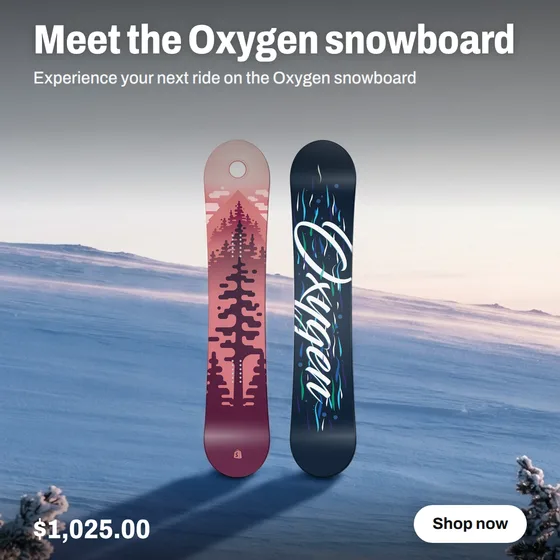
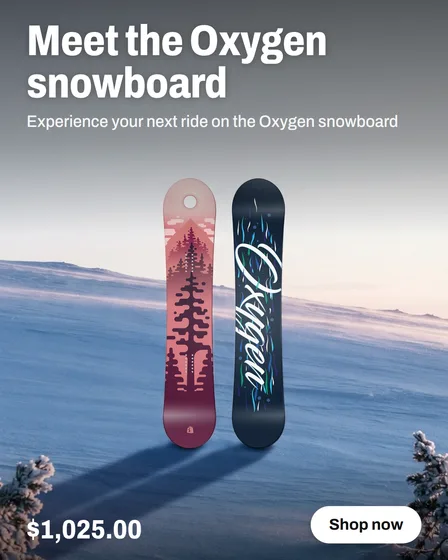
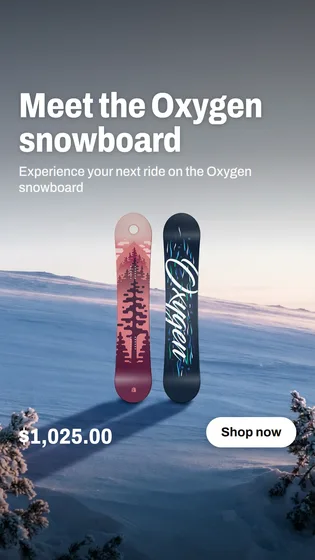
Real examples from a test store, each made in one go. Left: the product photo from the catalog. Right: the ad, in the store's language.
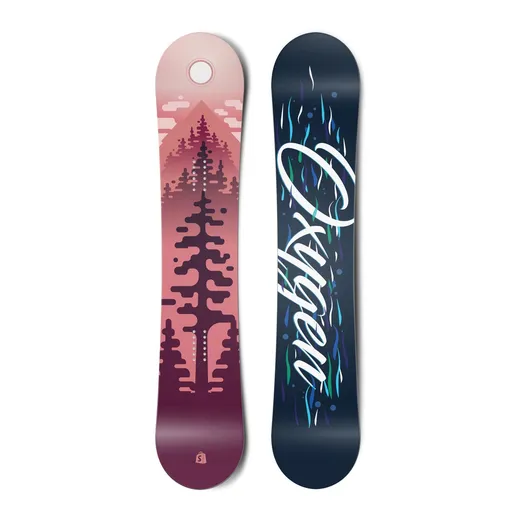
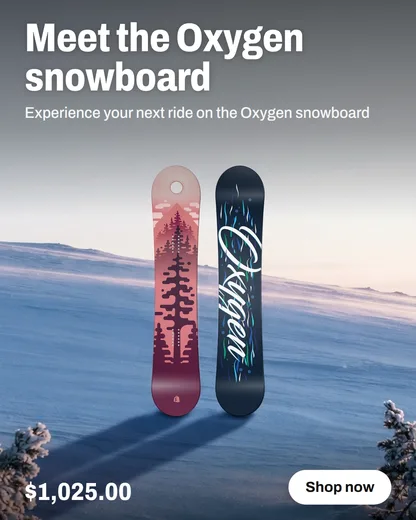
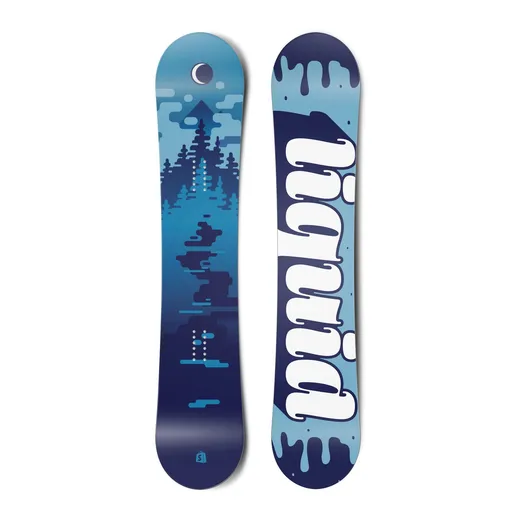
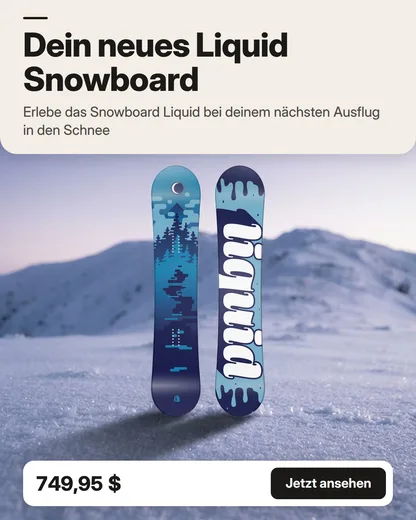
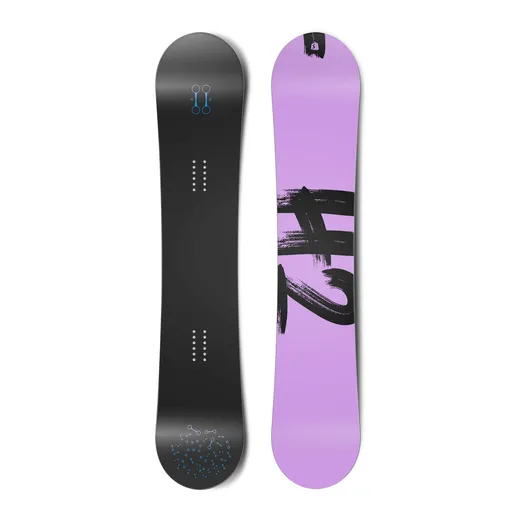
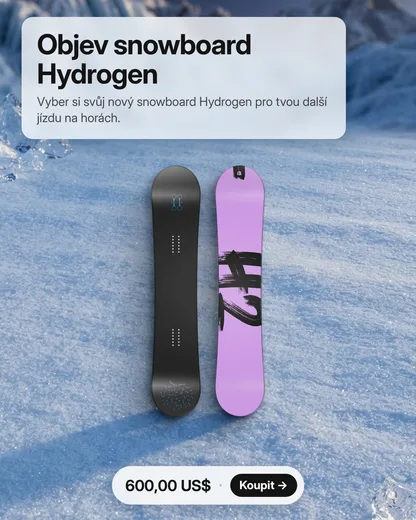
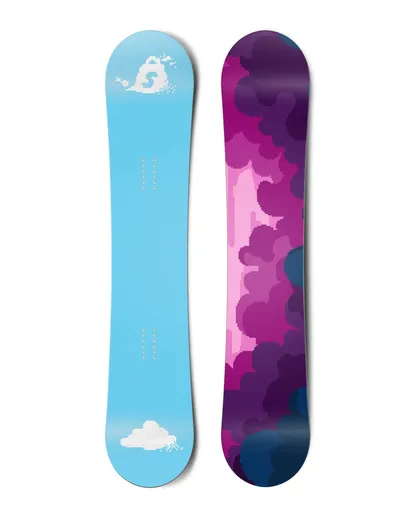

Your product photo is cut out and placed, pixel for pixel, into a scene built around it, with matching light and shadow. The product itself is never redrawn, so what customers see is what they get.
The text uses only what your product says: title, description, options and prices. Every number is checked against the product, a discount appears only with a compare-at price, and invented promises are sent back.
Written in your store's language and proofread like a native copy editor would: spelling, grammar, natural wording and the right form of address, formal or informal.
Install from the Shopify App Store and you are in. Nothing to set up, no password, no questionnaire.
Choose any product with Shopify's product picker. Pixfact suggests the photo that cuts out cleanest.
Pick one of six layouts. In about 20 seconds you get the ad in square, portrait and story formats, with your logo, colours and font.
Edit the text, hide any part or switch the layout and see it at once, for free. Download PNG or ZIP and upload to Meta Ads Manager.
One creative is one credit and includes all three formats. Billed through Shopify, on your Shopify invoice.
Need more? A one-time pack of 50 creatives costs $10, with or without a plan; pack credits never expire.
Editing the text and switching layouts is free. Unused plan credits expire at the end of each 30-day period. Cancel or change your plan any time in the app.
No. Your product photo is cut out and pasted into the finished ad as it is. AI generates only the background scene around it; the product in the ad is always your original photo.
Your store's primary language, for example English, German, French, Italian, Spanish, Dutch, Polish or Czech. The text is proofread in that language and uses the form of address you choose, formal or informal.
You download them as PNG files (or all three formats as a ZIP) and upload them in Meta Ads Manager, together with the ready primary text, headline and description. Pixfact does not post or run ads for you.
Edit the text or switch the layout for free. If it still isn't usable, report a defect within 7 days and the credit comes back. A creative that fails to generate returns its credit automatically.
Only the product you pick: its title, description, options, prices and photo. No customer data. See the privacy policy.
No. Pixfact runs inside your Shopify admin. Install it from the Shopify App Store and start with 10 free creatives.